
 Free SEO Audit
  Popular
 SEO
SEO
 Google Ads Management
 Ecommerce SEO
 Web Design Service
 White Label SEO


If your WordPress site is losing visitors before the page even finishes loading, you’re not alone. Google’s Core Web Vitals have become one of the clearest signals for both user experience and search rankings, and in 2026, a large share of websites still fail at least one of the three metrics, especially Interaction to Next Paint (INP). The good news is that you don’t need to be a developer to fix this. With the right combination of tools, you can meaningfully improve your scores in a weekend.
In this guide, we’ve rounded up the 9 best WordPress plugins for Core Web Vitals based on real-world performance data, feature sets, and how well each one handles the three metrics Google actually measures. Whether you’re chasing a faster LCP, trying to fix CLS, or building a practical checklist, this list will help you pick the right stack for your site.
What Are Core Web Vitals (A Quick Refresher)
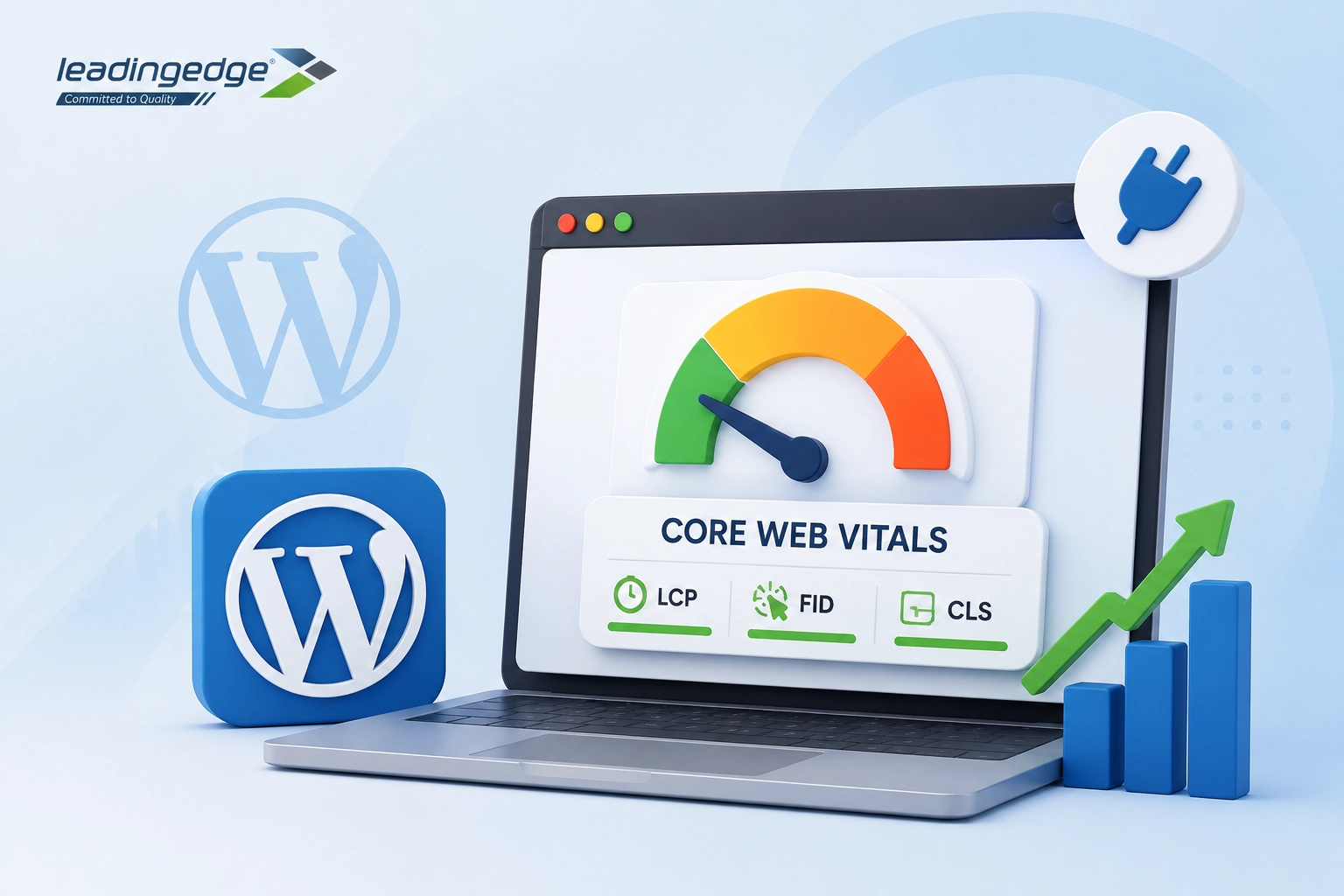
Before diving into plugins, it helps to know exactly what you’re optimizing for:
- Largest Contentful Paint (LCP) – how long it takes for the biggest visible element (usually a hero image, banner, or headline) to render. Google considers 2.5 seconds or less to be “good.”
- Interaction to Next Paint (INP) – measures how responsive your site feels when a visitor clicks, taps, or types. A score of 200 milliseconds or less is considered good; INP has replaced First Input Delay (FID) as the official responsiveness metric.
- Cumulative Layout Shift (CLS) – tracks unexpected visual movement on the page, like buttons jumping around as images or ads load. A score under 0.1 is ideal.
Each metric responds to different fixes, which is why most experienced WordPress users combine two or three specialized plugins rather than relying on a single tool. With that context, let’s get into Core Web Vitals optimization WordPress users can actually implement.
The 9 Best WordPress Plugins for Core Web Vitals in 2026
1. WP Rocket
WP Rocket remains one of the most widely recommended WordPress plugins for page speed. Designed to apply roughly 80% of web performance best practices immediately upon activation, it eliminates complex configuration hurdles for site administrators.
How it helps Core Web Vitals:
- Automatically generates Critical Path CSS and preload resources to speed up above-the-fold render times.
- Offers advanced JavaScript execution delays, delaying non-critical third-party scripts (like tracking pixels or chat widgets) until the user interacts with the page.
- Includes dedicated image dimension attributes and lazy loading to prevent layout shifts during asset rendering.
Key Features: Page caching, cache preloading, Remove Unused CSS (RUCSS), JS delay, database optimization, CDN integration.
Pricing: Starts at $59/year for 1 site.
2. NitroPack
NitroPack operates differently from traditional WordPress caching plugins. Instead of relying on your web server’s resources to process optimizations, NitroPack offloads page optimization, minification, and image compression to its cloud infrastructure.
How it helps Core Web Vitals:
- Delivers optimized assets via a global Cloudflare Enterprise CDN alongside automated WebP and AVIF image conversion.
- Features intelligent code splitting and script delay mechanisms that ensure the main thread remains clear for user interactions.
- Generates adaptive layout containers and automatically inserts missing image dimensions to prevent layout shifts.
Key Features: Built-in CDN, cloud execution, automated image optimization, font subsetting, dynamic caching.
Pricing: Free plan available (limited usage); paid plans start around $17.50/month.
3. FlyingPress
FlyingPress has emerged as one of the most effective self-hosted performance plugins for Core Web Vitals. Built specifically to solve modern performance issues, FlyingPress combines page caching, CSS optimization, and script management into a clean UI.
How it helps Core Web Vitals:
- Uses an advanced CSS optimization engine that extracts critical CSS per page and removes unused CSS completely.
- Offers precise delay controls for JavaScript, ensuring browser execution threads are not bogged down by heavy frameworks during initial page loads.
- Includes font display swap controls and automatic height/width aspect ratio reservations for dynamic media elements.
Key Features: Remove Unused CSS, delay JS execution, self-host Google Fonts, lazy load HTML elements, optional FlyingCDN edge caching.
Pricing: Starts at $60/year.
4. Perfmatters
Unlike all-in-one caching plugins, Perfmatters is a lightweight performance utility plugin. It is engineered to remove WordPress background bloat and give developers granular control over which scripts run on specific pages.
How it helps Core Web Vitals:
- Preloads critical assets (like hero background images or font files) directly in the HTTP header.
- Its Script Manager feature allows you to disable heavy plugin assets (such as WooCommerce scripts or contact form scripts) on pages where they are not used.
- Manages web fonts locally and enforces font-display: swap, eliminating Flash of Unstyled Text (FOUT) layout shifts.
Key Features: Script Manager, local Google Analytics hosting, heartbeat control, defer/delay JS, local font hosting.
Pricing: Starts at $24.95/year.
5. LiteSpeed Cache (LSCWP)
If your WordPress hosting environment utilizes a LiteSpeed Web Server, LiteSpeed Cache is one of the most powerful free optimization tools available. Because it operates directly at the server level, it bypasses traditional PHP overhead to deliver response times.
How it helps Core Web Vitals:
- Delivers server-level page caching with minimal Time to First Byte (TTFB). Integrates seamlessly with QUIC.cloud CDN for edge delivery.
- Built-in JavaScript minification, deferment, and inline optimization keep background processing minimal.
- Generates Unique CSS (UCSS) and provides automatic responsive image placeholders.
Key Features: Server-level caching, Object Cache (Redis/Memcached) support, QUIC.cloud CDN integration, automatic WebP generation.
Pricing: 100% Free (requires LiteSpeed hosting for full functionality).
6. W3 Total Cache
W3 Total Cache (W3TC) is an established caching plugin known for its extensive customization options. It provides technical users and web engineers with full authority over every caching mechanism within WordPress.
How it helps Core Web Vitals:
- Provides detailed browser caching headers, opcode caching, page caching, and object caching to minimize database query latency.
- Offers flexible JavaScript minification and non-blocking JS embedding configurations.
- Allows manual inline CSS configuration to render core page layouts before deferred stylesheets load.
Key Features: Database caching, Object caching, Fragment caching, Extension support, full CDN integration.
Pricing: Free core version; Pro version available for advanced features.
Not Sure Which of These 9 Plugins Actually Fit Your Site?
Nine options is a lot to test one by one, and running the wrong combination can cause conflicts instead of fixing anything. Leading Edge Info Solutions builds a tailored plugin stack for your specific hosting setup, theme, and traffic, so you skip the trial-and-error and go straight to passing LCP, INP, and CLS.
7. Autoptimize
For sites using traditional caching solutions (like WP Super Cache) or managed host caching that lacks code optimization features, Autoptimize fills the gap. It focuses on aggregating, minifying, and deferring site scripts and styles.
How it helps Core Web Vitals:
- Inlines critical CSS while deferring full stylesheets to eliminate render-blocking CSS bottlenecks.
- Defers non-essential JavaScript execution to avoid blocking the main rendering thread during page load.
- Optimizes Google Fonts loading and provides fallback font definitions.
Key Features: CSS/JS minification, script deferral, Google Fonts optimization, image lazy loading.
Pricing: Free core plugin; premium add-ons available.
8. ShortPixel / Imagify
Images often account for more than 60% of total page weight on WordPress sites. Dedicated image optimization tools like ShortPixel or Imagify work alongside caching plugins to ensure media files do not negatively affect LCP.
How it helps Core Web Vitals:
- Reduces image payload sizes by converting JPEG/PNG files to modern WebP or AVIF formats.
- Ensures correct image width and height dimensions are written directly into the HTML markup during compression.
Key Features: Bulk media library optimization, automatic upload compression, WebP/AVIF generation, adaptive image resizing.
Pricing: Free tiers available; flexible pay-as-you-go or subscription models.
9. Speed Optimizer (by SiteGround)
Formerly known as SG Optimizer, Speed Optimizer is tailored for websites hosted on SiteGround infrastructure. It leverages deep server integration to combine page caching, PHP performance tuning, and front-end optimization.
How it helps Core Web Vitals:
- Provides multi-layer caching (Dynamic Caching and Memcached) alongside automatic image compression and WebP conversion.
- Features script deferral, minification, and combination settings designed to keep JavaScript processing lean.
- Includes font preloading and automated media dimension settings to lock layout components in place.
Key Features: Dynamic caching, file minification, image optimization, PHP version management, database cleanup.
Pricing: Free for SiteGround clients.
Core Web Vitals WordPress Checklist for 2026
To achieve passing Core Web Vitals scores across mobile and desktop, follow this step-by-step Core Web Vitals WordPress checklist:
1. Establish Performance Baselines
- Run tests on Google PageSpeed Insights and GTmetrix to identify current LCP, INP, and CLS scores.
- Check Google Search Console (Core Web Vitals Report) to evaluate real-user field data.
2. Audit Hosting Infrastructure
- Ensure your server runs modern PHP versions (PHP 8.2 or higher).
- Choose hosting that provides high server responsiveness (TTFB under 800ms).
3. Implement Page Caching and CDN
- Activate a reliable caching plugin (e.g., WP Rocket, FlyingPress, or LiteSpeed Cache).
- Route static traffic through a global CDN (e.g., Cloudflare API or QUIC.cloud).
4. Optimize Media Assets
- Compress all uploaded media using tools like ShortPixel or Imagify.
- Serve modern image formats (WebP/AVIF).
- Explicitly define width and height attributes on all <img> tags to fix CLS WordPress issues.
- Exclude the main LCP hero image from lazy loading while enabling lazy loading for all below-the-fold media.
5. Optimize Code Execution
- Enable Remove Unused CSS (RUCSS) or generate Critical Path CSS.
- Configure Delay JavaScript Execution to prevent tracking scripts from blocking the main thread during initial render.
- Use a script management plugin like Perfmatters to prevent unnecessary plugins from loading scripts site-wide.
6. Stabilize Fonts and Layouts
- Host Google Fonts locally or preload primary web font files.
- Apply CSS font-display: swap; to prevent invisible text during font loading.
- Reserve layout space for dynamic elements such as banner ads or embed frames.
Optimize Your Core Web Vitals with LEIS
Selecting the best WordPress plugins for core web vitals is an essential step toward building a fast, user-friendly, and high-ranking website. However, plugins are only one piece of the performance equation. Complex theme structures, heavy database queries, and custom script architectures often require expert engineering to reach optimal performance.
At Leading Edge Info Solutions, our web development experts specialize in comprehensive WordPress performance optimization. Whether you need to fix stubborn LCP issues, clear main-thread bottlenecks for INP, or stabilize layout shifts across enterprise platforms, we deliver tailored solutions that drive measurable growth.
Ready to transform your website performance? Contact our web development and AI SEO agency for an in-depth technical audit and Core Web Vitals optimization strategy!