
 Free SEO Audit
  Popular
 SEO
SEO
 Google Ads Management
 Ecommerce SEO
 Web Design Service
 White Label SEO


Imagine spending months crafting high-quality content, only to discover that Google can’t index your pages or that a broken robots.txt file is blocking search crawlers entirely. This is where technical SEO comes in.
Technical SEO focuses on fine-tuning the backend structure of your website. Without a solid technical foundation, even the best content and backlink strategies will fail to generate organic traffic. In this complete technical SEO guide, we will break down what is technical SEO, explain why it remains critical for modern search visibility, and provide an actionable technical SEO checklist to keep your site performing at its peak.
What Is Technical SEO and Why Is It Important?
Technical SEO refers to website and server optimizations that help search engine spiders crawl and index a site more effectively.
While on-page SEO deals with keywords, titles, and content quality, and off-page SEO focuses on backlinks and brand authority, website technical SEO ensures that search engines can actually access, understand, and render your pages without technical friction.
| Technical SEO (Infrastructure) | On-Page SEO (Content) | Off-Page SEO (Authority) |
| Crawling & Indexing | Keywords | Backlinks |
| Site Speed | Search Intent | Digital PR |
| Mobile Optimization | Content Quality | Brand Mentions |
| Schema Markup | Internal Links | Social Proof |
Why Technical SEO Matters More Than Ever
- Ensures Fast Indexation: Search engines assign every website a crawl budget. Poor architecture and slow page load times waste this budget, leaving important pages unindexed.
- Directly Impacts Rankings & User Experience: Page speed, mobile-friendliness, and secure connections (HTTPS) are direct Google ranking factors.
- Powering AI & Answer Engine Optimization (AEO): AI search tools like ChatGPT, Perplexity, and Google AI Overviews rely heavily on clean HTML structure, schema markup, and accessible JavaScript rendering to extract direct answers.
How to Perform a Technical SEO Audit: Step-by-Step
Before landing on fixes, you need to understand where your site currently stands. Learning how to perform a technical SEO audit involves checking five critical technical pillars using tools like Google Search Console, Screaming Frog, and Google PageSpeed Insights.
Here is the exact technical SEO checklist used by digital agencies to conduct a full technical SEO audit and implement technical SEO best practices.
The Complete Technical SEO Checklist
- Crawlability & Indexability (robots.txt, Sitemaps, Canonical Tags)
- Site Architecture & URLs (Flat Depth, HTTPS, Clean URL Paths)
- Speed & Core Web Vitals (LCP, INP, CLS Optimization)
- Mobile & JavaScript SEO (Responsive Design, Server Rendering)
- Structured Data & Schema (JSON-LD, Entity Validation)
Pillar 1: Crawlability & Indexability
Crawlability is the search engine’s ability to access your pages. Indexability is its ability to analyze and store those pages in its database.
- Audit Your robots.txt File: Ensure critical site sections, stylesheets, and scripts are not accidentally blocked. Check that AI bots (like OAI-SearchBot and PerplexityBot) have access if you want to be cited in AI search engines.
- Optimize Your XML Sitemap: Keep your XML sitemap updated, limit it to canonical 200 OK URLs, and submit it directly to Google Search Console and Bing Webmaster Tools.
- Fix Crawl Errors: Use Google Search Console’s Pages report to identify and resolve 404 (Not Found) errors, 500 (Server Error), and improper redirects.
- Master Canonical Tags: Place rel=”canonical” tags on every page to prevent duplicate content issues caused by URL parameters, staging environments, or syndicated posts.
Pillar 2: Site Architecture & URL Structure
A clean site hierarchy helps both human visitors and search crawlers navigate your content effortlessly.
- Maintain a Flat Site Architecture: Ensure no important page is more than 3 clicks away from the homepage.
- Use Clean, Descriptive URLs: Stick to lowercase letters, use hyphens (–) instead of underscores (_), and keep URLs short and readable (e.g., [domain.com/technical-seo-checklist] (https://domain.com/technical-seo-checklist)).
- Enforce HTTPS Security: Secure your entire domain with an SSL/TLS certificate. Ensure all HTTP versions automatically 301 redirect to their HTTPS counterparts.
Pillar 3: Page Speed & Core Web Vitals
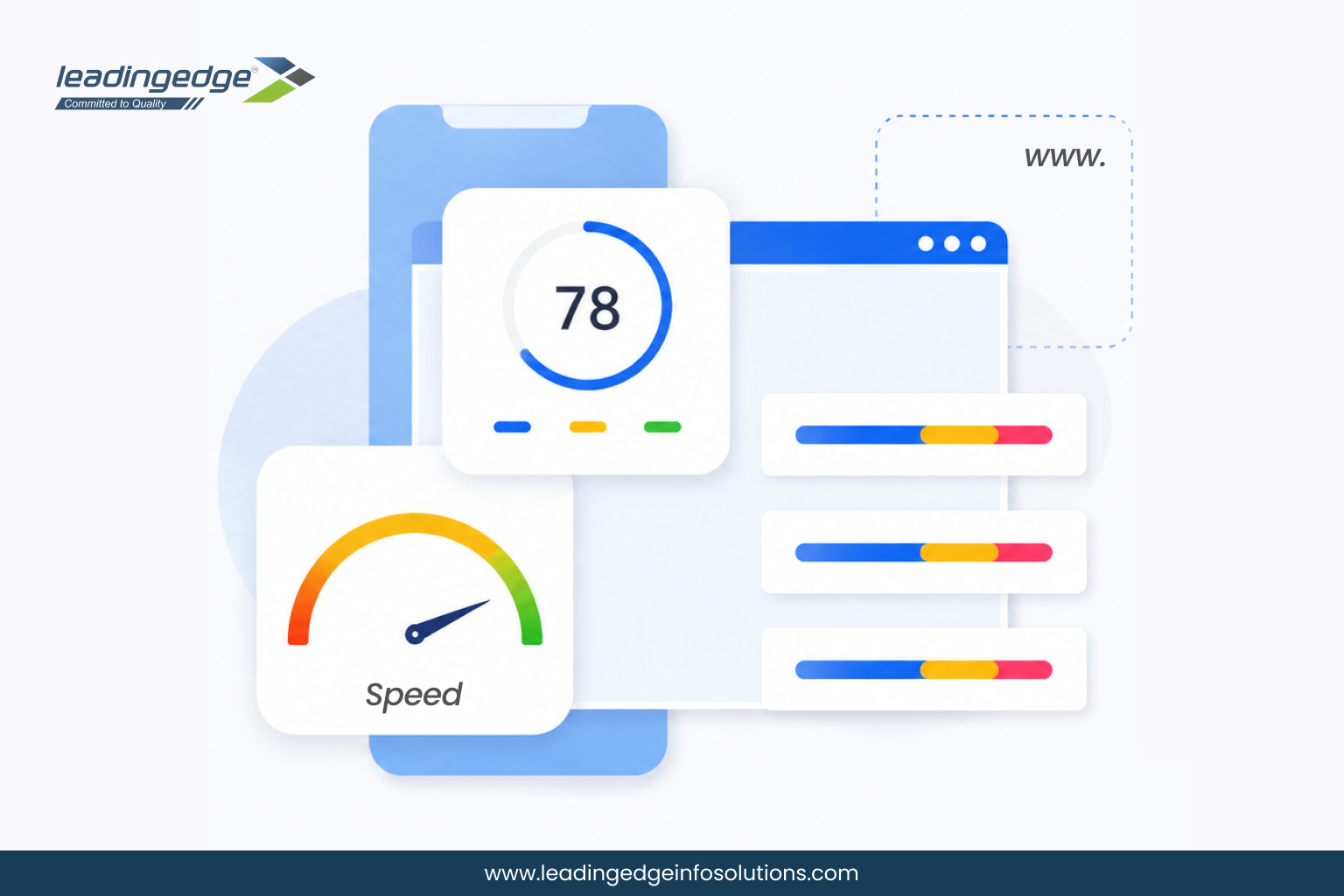
Site speed is a confirmed ranking factor. Google evaluates performance through its Core Web Vitals metrics:
| Metric | Full Name | Target Benchmark | Primary Fix |
| LCP | Largest Contentful Paint | < 2.5 seconds | Compress images, use WebP/AVIF, enable Caching & CDN. |
| INP | Interaction to Next Paint | < 200 milliseconds | Minimize heavy JavaScript execution and main-thread work. |
| CLS | Cumulative Layout Shift | < 0.1 | Specify explicit width/height dimensions for images and ads. |
Pillar 4: Mobile & JavaScript Optimization
With Google’s mobile-first indexing, the mobile version of your website is the primary version evaluated for ranking.
- Ensure Mobile Responsiveness: Use responsive CSS layouts so your site adapts seamlessly to all viewport sizes without horizontal scrolling or tiny tap targets.
- Optimize JavaScript Rendering: If your site relies on frameworks like React, Vue, or Angular, implement Server-Side Rendering (SSR) or Hydration to ensure search bots receive pre-rendered HTML rather than blank JavaScript files.
Pillar 5: Structured Data & Schema Markup
Schema markup is code (written in JSON-LD) that helps search engines understand the context of your content.
- Implement Core Schema Types: Add appropriate schema for Organization, Article, Product, FAQPage, and BreadcrumbList.
- Validate Markup: Test your structured data using Google’s Rich Results Test to ensure there are no syntax errors or missing required fields.
Technical SEO Best Practices for 2026 & Beyond
As search engines evolve into generative AI systems, applying modern technical SEO best practices will keep your site ahead of the curve:
- Eliminate Thin & Duplicate Content: Periodically audit low-performing pages and either merge them, apply noindex tags, or delete them to preserve crawl budget.
- Implement Internal Linking Automation & Breadcrumbs: Use structured internal links to pass PageRank from high-authority pages to newer content.
- Monitor Redirect Chains: Avoid chaining 301 redirects together (e.g., Page A -Page B – Page C). Always redirect straight to the final destination URL.
Build a Flawless SEO Foundation with Leading Edge Info Solutions
Mastering technical SEO is non-negotiable for sustainable search performance. By resolving crawl errors, boosting speed, and implementing structured schema, you pave the way for higher rankings in both traditional Google SERPs and modern AI search engines.
At Leading Edge Info Solutions, a trusted AI-powered SEO company, our technical SEO experts perform deep-dive audits to uncover hidden crawl blocks, site speed bottlenecks, and architectural errors holding your site back.
Ready to Fix Hidden Technical SEO Errors?
Don’t let crawling blocks, slow page speeds, or broken site architecture compromise your organic rankings. Let our dedicated technical SEO specialists conduct deep-dive audits to diagnose backend issues and implement performance fixes that drive real growth.