
 Free SEO Audit
  Popular
 SEO
SEO
 Google Ads Management
 Ecommerce SEO
 Web Design Service
 White Label SEO


If you’ve been researching website accessibility vs ADA compliance, you’ve probably noticed the two terms get used interchangeably, and that’s exactly where most businesses run into trouble. They’re related, but they’re not the same thing, and understanding the difference could save your business from an expensive lawsuit or a costly compliance scramble down the road.
With website accessibility lawsuits on pace to hit record highs in 2026, this isn’t a niche technical topic anymore. It’s a business risk that every website owner needs to understand. Let’s break down exactly what separates these two concepts, why the distinction matters, and what you actually need to do about it.
What Is Website Accessibility?
Website accessibility is a design and development practice. It means building your website to enable people with disabilities — visual, auditory, motor, or cognitive — to perceive, navigate, and interact with your content just as easily as anyone else.
In practice, this covers things like:
- Adding alt text to images so screen readers can describe them
- Making sure every page can be navigated using only a keyboard
- Using sufficient color contrast so text is readable for people with low vision
- Providing captions and transcripts for video and audio content
- Structuring pages with proper headings so screen readers can navigate them logically
- Designing forms with clear labels and error messages
Ready to Improve Your Website Accessibility?
From accessibility audits to WCAG compliance, we help businesses build websites that are accessible, responsive, and optimized for all users.
The internationally recognized standard for accessibility is the Web Content Accessibility Guidelines (WCAG), maintained by the World Wide Web Consortium (W3C). WCAG is currently on version 2.2, and it organizes accessibility requirements into three conformance levels: A (minimum), AA (mid-range, and the level most businesses and courts reference), and AAA (the highest, and rarely required in full).
Accessibility, in short, is about the experience of your website. It’s a UX and engineering discipline- an ongoing practice, not a one-time checkbox.
What Is ADA Compliance?
ADA compliance is a legal obligation. The Americans with Disabilities Act was passed in 1990 to prohibit discrimination against people with disabilities in “places of public accommodation” — originally understood to mean physical spaces like restaurants, hotels, and retail stores.
Over the past decade, U.S. federal courts have consistently extended that interpretation to cover business websites, even for companies that operate entirely online with no physical location. Title III of the ADA is the section most relevant to businesses, and it’s the basis for the overwhelming majority of website accessibility lawsuits filed each year.
Here’s the tricky part: the ADA itself doesn’t name a specific technical standard for websites. Unlike physical accessibility, which has detailed building code requirements, Title III doesn’t spell out exactly what an “accessible website” needs to include. That ambiguity is intentional in some ways and frustrating in others.
However, in practice, courts, the Department of Justice, and settlement agreements have overwhelmingly pointed to WCAG 2.1 or 2.2 Level AA as the practical benchmark for compliance.
So while WCAG is a voluntary technical guideline and the ADA is a binding law, the two have effectively merged in practice: if your site meets WCAG 2.2 AA, you’re in a strong position to defend an ADA claim. If it doesn’t, you’re exposed.
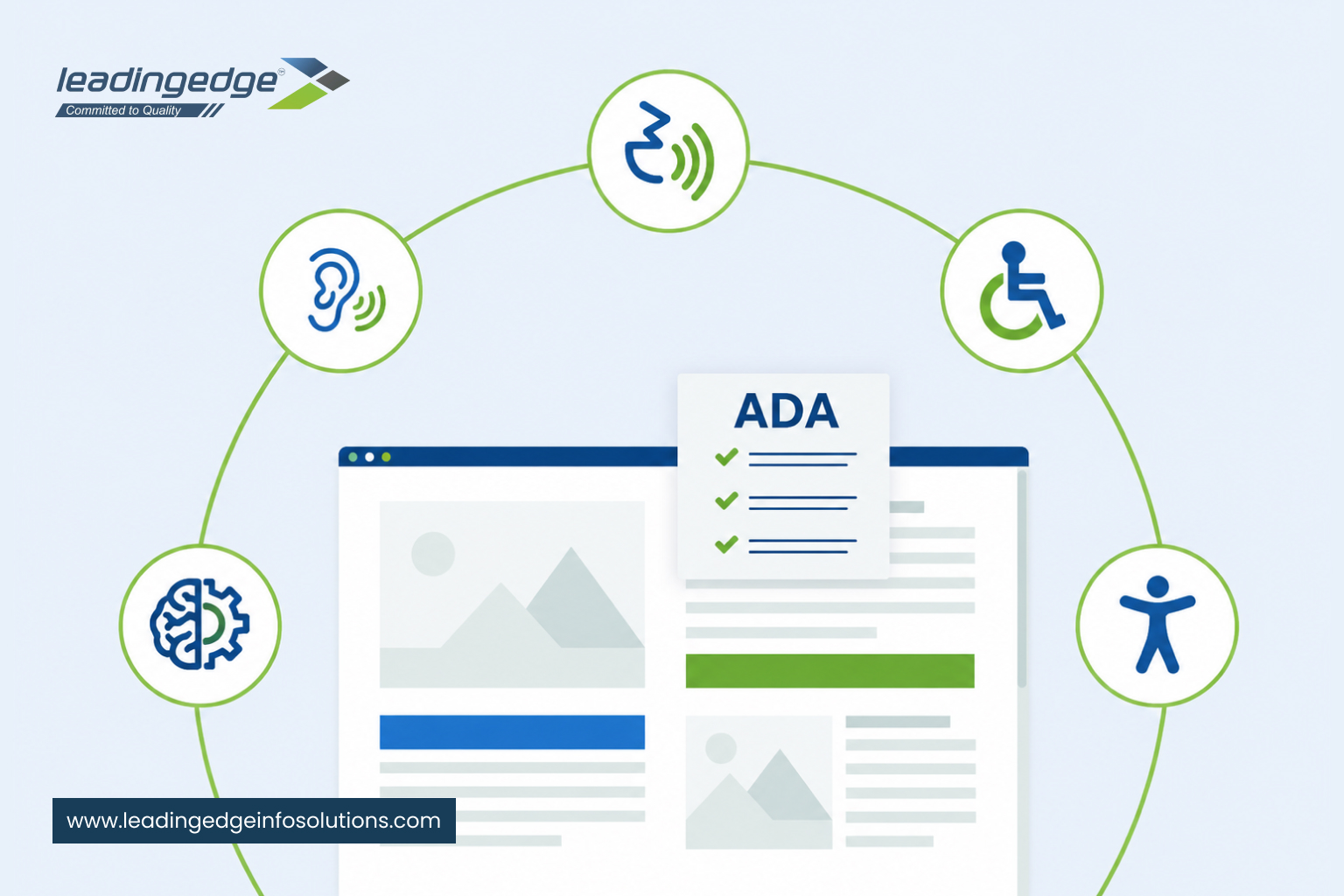
WCAG vs ADA Compliance: How They Fit Together
Thinking about WCAG vs ADA compliance as competing standards is a common misunderstanding. It’s more accurate to think of them as two layers of the same problem:
| Aspect | Website Accessibility (WCAG) | ADA Compliance |
| What it is | A technical and design standard | A federal civil rights law |
| Who maintains it | W3C (international, voluntary body) | U.S. federal government |
| Specificity | Detailed, testable success criteria | Broad non-discrimination principle, no named technical standard in Title III |
| Enforcement | None directly. It’s a guideline | Private lawsuits, DOJ actions, settlements |
| Goal | A usable experience for people with disabilities | Avoiding legal liability for discrimination |
| How they relate | The practical way businesses achieve ADA compliance | The legal outcome of meeting accessibility standards |
You don’t achieve ADA compliance by chasing a legal checklist. You achieve it by building genuine accessibility into your website using WCAG as your technical guide. Compliance is the byproduct of doing accessibility right, not a separate destination.
Why This Distinction Matters Right Now
- Website accessibility lawsuits are on track to surpass 6,000 in 2026, a new record and a sharp jump over 2025 filings.
- Independent scans of thousands of business websites have found that the vast majority still fail basic accessibility checks; most sites score well below what would hold up in court.
- E-commerce and retail sites remain the single most targeted category, accounting for a large share of all filings, but healthcare, hospitality, legal, and financial services sites are increasingly targeted too.
- A significant share of 2025 lawsuits were filed against companies that had already been sued before — meaning a settlement without real code-level fixes doesn’t make the risk go away; it just delays the next claim.
For government websites, the requirements are now spelled out explicitly: public entities serving larger populations are required to meet WCAG 2.1 Level AA under a Department of Justice rule, with deadlines already in effect and additional ones arriving for smaller entities (U.S. Department of Justice, ADA Title II Final Rule).
Private businesses aren’t bound by that specific rule, but it signals clearly where enforcement and legal expectations are headed, and plaintiff attorneys are already using WCAG AA as the yardstick in private lawsuits.
There’s also a business case that goes beyond legal risk. According to the World Health Organization, over a billion people worldwide live with some form of disability, and a large majority of disabled online shoppers say they abandon websites that are difficult to use — many limiting their shopping entirely to sites they already know are accessible.
Companies that prioritize accessibility and inclusive design consistently report stronger revenue, net income, and economic profit than their peers. Accessibility improvements also tend to overlap with better SEO, faster load times, and cleaner site structure: all things that help your rankings and conversions anyway.
Is Your Website ADA Compliant? How to Know
A common question business owners ask is: “Is my website ADA compliant?” Since there’s no official government certification or seal of approval, there’s no single yes/no test. But here’s how to get a realistic answer:
- Run an automated scan. Tools can catch a meaningful chunk of common issues (missing alt text, low contrast, missing form labels) in minutes. This is a useful starting point, but automated tools typically only catch a fraction of real-world accessibility barriers.
- Get a manual audit from a human expert. Many accessibility barriers, like whether keyboard navigation actually makes logical sense, or whether a screen reader can complete a checkout flow, can only be caught by someone testing the site directly, ideally including people who use assistive technology themselves.
- Test against WCAG 2.2 Level AA success criteria specifically. This is the standard most likely to be referenced if you’re ever challenged legally, so it’s the right target to test against.
- Check high-risk areas first: navigation menus, forms, checkout/booking flows, PDFs, video content, and any custom-built interactive elements (sliders, pop-ups, date pickers) — these are consistently where lawsuits find violations.
- Avoid relying solely on overlay widgets. They can supplement real fixes but should never be your only line of defense.
If you’re not sure where to start, a professional accessibility audit is the fastest way to get a clear, honest answer instead of guessing.
ADA Compliant Website Checklist
Here’s a practical ADA-compliant website checklist covering the areas that matter most, based on WCAG 2.2 AA, our team’s own audit findings, and the issues most frequently cited in real lawsuits. Many of these overlap directly with good UI/UX design practice — accessible sites are almost always better-designed sites.
Images & Media
- Descriptive alt text for all meaningful images
- Captions for video content
- Transcripts for audio content
- No purely decorative images requiring alt text that adds noise
Navigation & Structure
- Full keyboard navigation (no mouse-only interactions)
- Logical heading structure (H1, H2, H3, used in proper order)
- Visible focus indicators for keyboard users
- Skip-to-content links
- Consistent, predictable navigation across pages
Visual Design
- Text-to-background color contrast meeting WCAG AA ratios
- Text that resizes without breaking layout
- Content that doesn’t rely on color alone to convey meaning
- No content that flashes in ways that could trigger seizures
Forms & Interactive Elements
- Clear, programmatically associated labels for every form field
- Descriptive, specific error messages
- Accessible custom components (dropdowns, modals, sliders, date pickers)
- Sufficient time allowances for time-limited actions, with the ability to extend
Documents & Downloads
- Accessible PDFs and downloadable documents
- Accessible tables with proper headers
Ongoing Practices
- Regular accessibility audits (not just a one-time fix)
- Accessibility considered in every new feature or page, not bolted on afterward
- A published accessibility statement with a contact method for reporting issues
- Ongoing website maintenance and monitoring so fixes don’t quietly break with the next update
Treat this as a working checklist, not a finish line. Accessibility is maintained continuously, especially every time your site is redesigned or new content is added. In our experience, the sites that stay compliant are the ones where accessibility is a standing item in the QA process, not a project that gets closed out and forgotten.
What Businesses Should Do Next
If you’re evaluating your website accessibility requirements for 2026, here’s the realistic path forward:
- Audit first. Understand where your site actually stands before making changes.
- Fix the underlying code, not just the surface-level issues an automated scanner flags.
- Build accessibility into your design and development process going forward, rather than treating it as a one-time patch.
- Monitor continuously. Sites change constantly, and a compliant site today can drift out of compliance with new content or features.
- Get expert help if you don’t have in-house accessibility expertise. This is a specialized skill set, and getting it wrong can be more costly than getting outside help from the start.
How Leading Edge Info Solutions Can Help
At Leading Edge Info Solutions, our web design and development team builds accessibility into every project from the ground up – not as an afterthought, but as a core part of good UI/UX and SEO practice.
Schedule a professional accessibility audit with our team to identify your site’s WCAG gaps, reduce your legal exposure to ADA claims, strengthen your SEO, and give every visitor, regardless of ability, a better experience on your site. It’s a small investment that protects your business and grows it at the same time.